Content Calendar

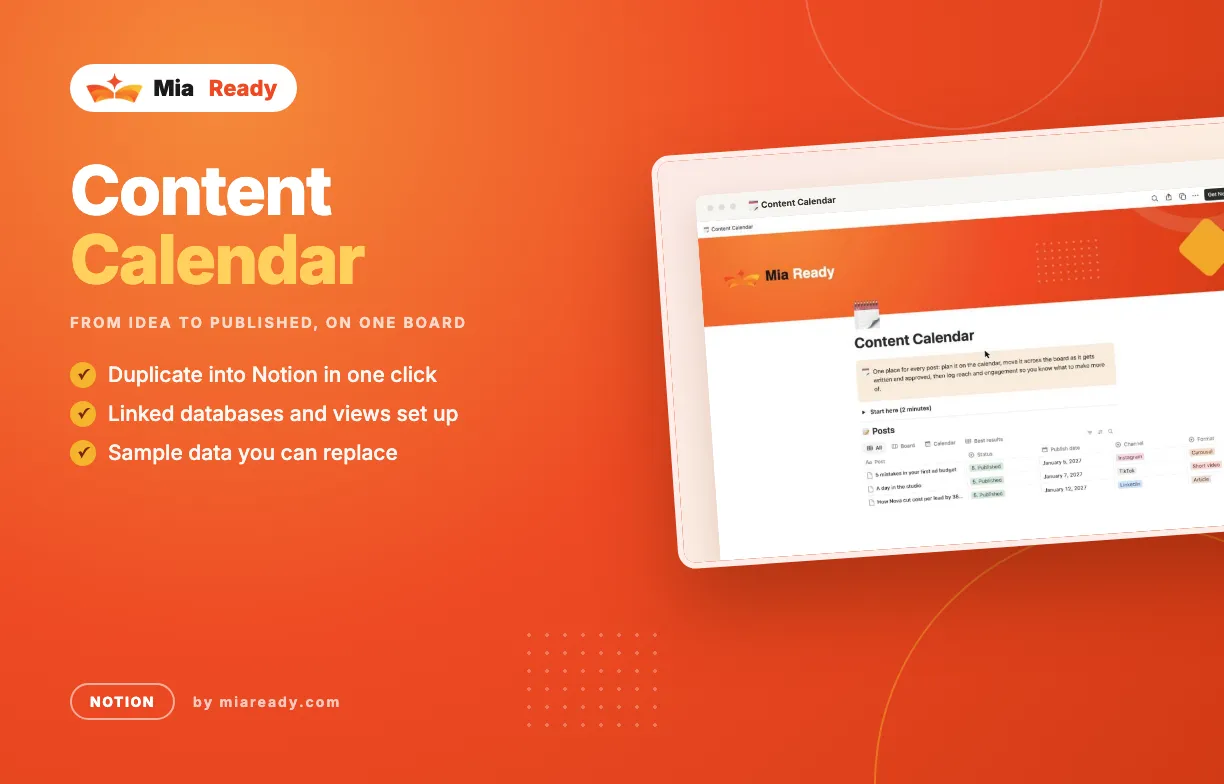
Plan every post across channels, move it from idea to published, and see which content pillars bring reach and engagement.

One place for every post: plan it on the calendar, move it across the board as it gets written and approved, then log reach and engagement so you know what to make more of.

What's inside

  • 🧱 Content pillars — The themes you post about, with post count, total reach and average engagement. Fields: Why we post it, Posts, Total reach, Total engagements, Engagement rate (%).
  • 📝 Posts — Every post with its channel, format, status and results. Fields: Status, Publish date, Channel, Format, Pillar, Owner, Hook / first line, Live link, Reach, Engagements, Clicks, Engagement rate (%). Views: Board, Calendar, Best results.

How to use it

  1. Rename the content pillars to the 3 to 5 themes your brand talks about.
  2. Add each post idea with its channel, format and pillar. New ideas start as Idea.
  3. Give it a publish date and drag it across the Board as it moves forward.
  4. After posting, type reach, engagements and clicks. Check the pillars table each month.

What it does

  • Board by status: Idea, Drafting, In review, Scheduled, Published
  • Calendar of publish dates for every channel
  • Engagement rate worked out for each post, and totals per content pillar
  • Works on Notion's free plan
  • Available in several languages; the Arabic workspace reads right-to-left
  • You get a PDF with your duplicate link right after purchase

Included Files

  • A file in the language you choose
  • Arabic files laid out right-to-left
  • Step-by-step guide
  • Free updates for this version

Works With

  • Notion

Support

Questions about setup? Send us a message from your account page and we reply by email.

Content Calendar

The video tutorial for this template is coming soon.

No reviews yet. Reviews appear here after customers rate the template.

Write a review
Your rating
FAQ
  • Which language is the file in?

    You get the file in the language you pick at the top of the site. If a template is not available in that language yet, you get the English file. Arabic files are laid out right-to-left.

  • Do I need macros or add-ins?

    No. The templates use formulas and built-in charts only.

  • Can I change the template?

    Yes. Rename columns, add rows, change colours and add your logo.

  • How do I get the files after paying?

    The download link appears on the order page and in your account right after payment.

Personal License

For you, on your own projects and your own company reports.

Team License

Share the files with up to 10 people in your company.

Free

File language: English

Free template. Enter your email and the files are yours right away.

We'll email you when new templates come out. Unsubscribe anytime.

Mia Ready
39 templates in the shop
View All Templates
Like this template?

Found it useful? Recommend it to other marketers and earn 30% of every sale you bring in.

Become an affiliate